Connect Analyze Manage Grow
Most tools stop at a chart. FeuGen does the work.
FeuGen connects to your store, ads, inbox, website, blog and social accounts. It shows you what is happening. Then it makes the change inside those apps. You approve it first. Risky changes need your OK. FeuGen saves a backup before it acts.
Connect
Your store and the apps you already use, in one workspace
- One store per workspaceMagento, WooCommerce, BigCommerce or Shopify, with its store views.
- 85+ appsGoogle Analytics, Search Console, Google, Meta and Pinterest ads, Klaviyo (email), Zendesk (support), Stripe (payments) and more.
- First numbers on day oneAs soon as an app connects, FeuGen reads the last 90 days. Then it reads older history in the background.
- Logins stay safeYou sign in with one click, or your keys are stored encrypted. You can disconnect any time.
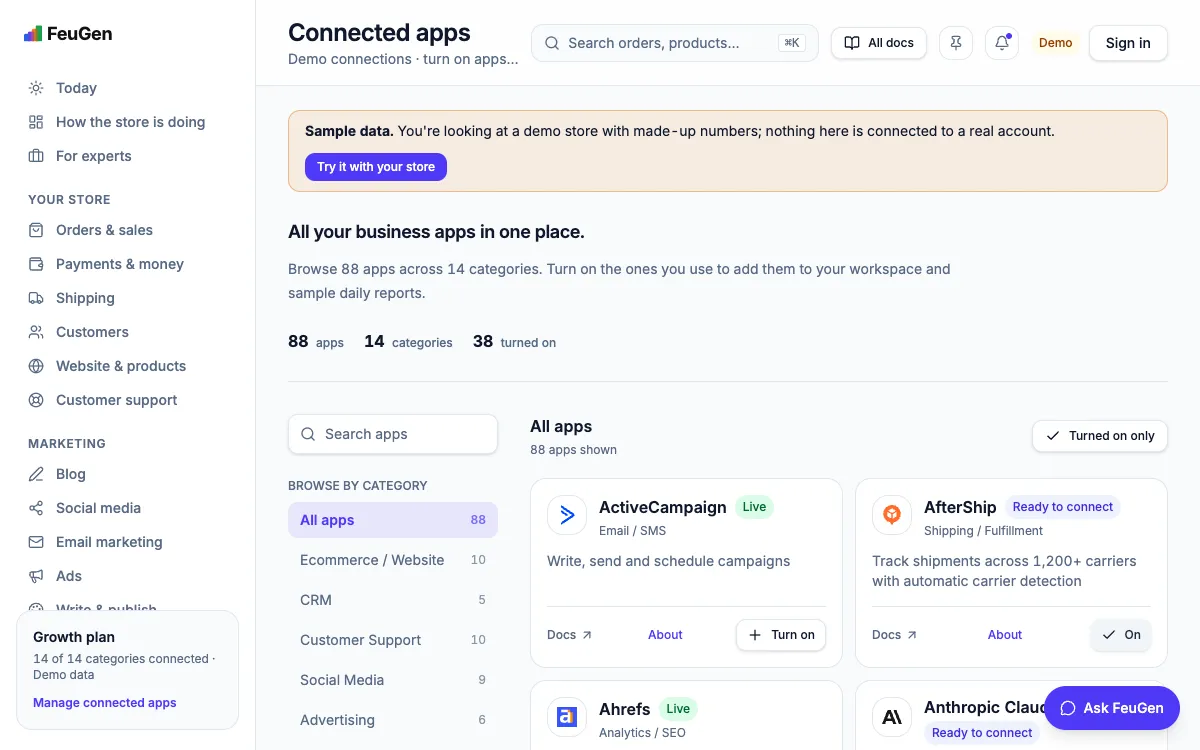
From the demo store · sample data
Analyze
See what is happening in every app
- TodayOne page each morning: yesterday's numbers, then what needs you, ranked. Low stock too.
- How the store is doingSales, orders, visitors, ads and reviews. Compare with last week or last year.
- Live cardsEach app's page shows live lists and counts, read straight from the app.
- Health checksProblems worth your time, most urgent first. Each one comes with steps to fix it.
- ReportsSave, filter and export reports, or have them emailed.
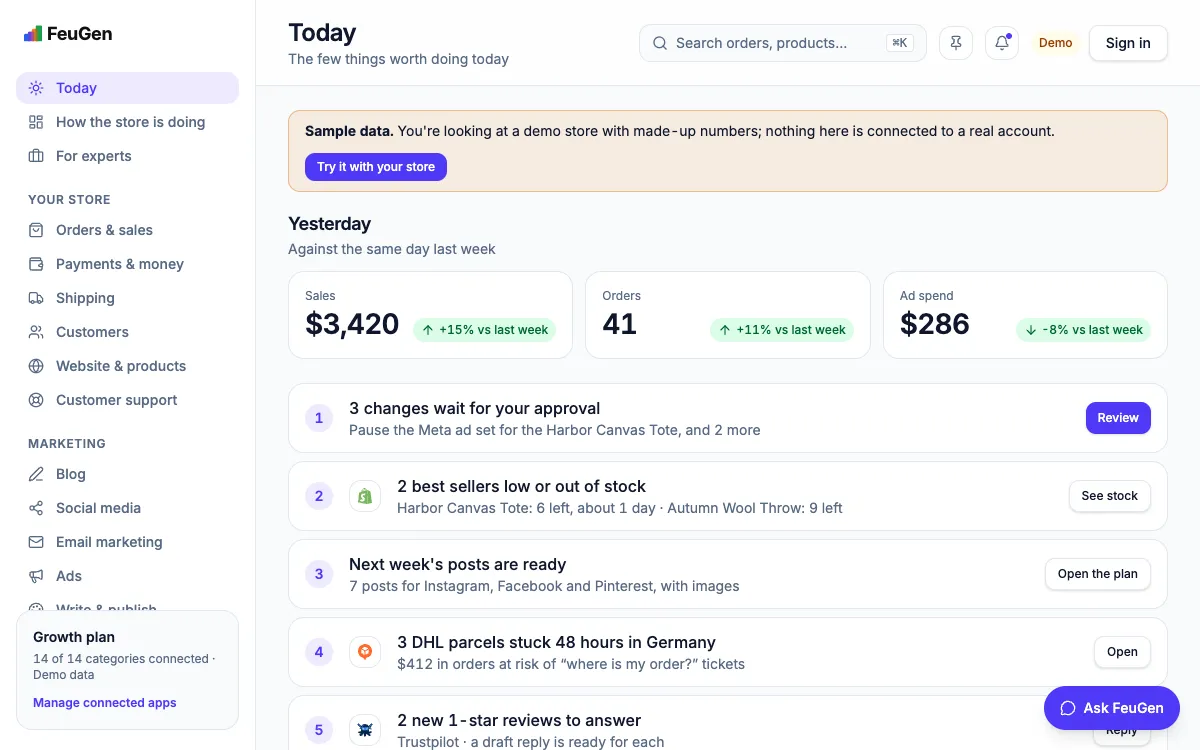
From the demo store · sample data
Manage
Make changes without leaving FeuGen
- Many jobs in each appChange products, post, run campaigns and pause ads, from FeuGen.
- Inboxes and ordersAnswer Zendesk, Messenger, Instagram and WhatsApp chats with the order beside them. Change an order's status.
- Approved firstOnly Owners and Admins can approve. Staff, experts and the AI can only suggest.
- Your OK for risky changesTo delete, refund, change a budget or send a message, you type CONFIRM. Money changes stay under a limit you set.
- Backed up firstBefore a change, FeuGen saves a copy of the item in FeuGen and in your Google Drive. You can put back any of the last 5.
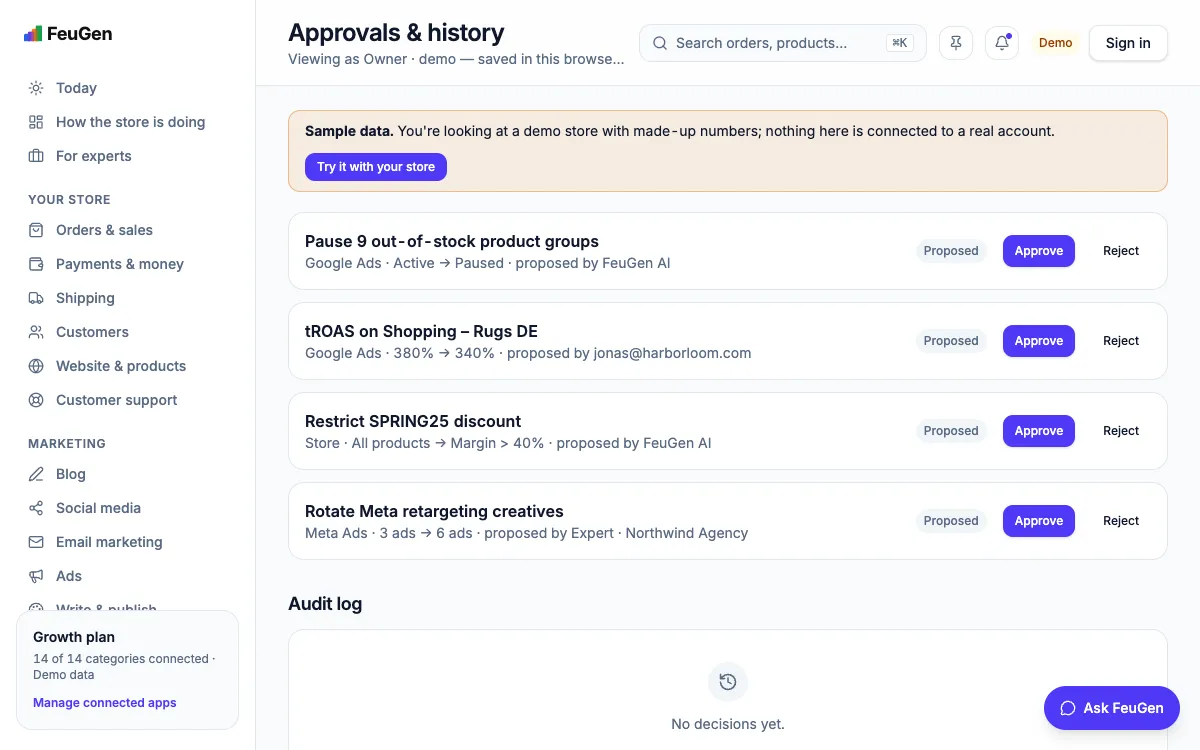
From the demo store · sample data
Grow
Ideas from your numbers, with the fix ready for you to approve
- Content planFeuGen plans your posts and blog for the month, from what sells and what people search for. You approve the week.
- AI images and ReelsA picture with a short headline for each post, with your own OpenAI key. Instagram Reels with your Runway credits.
- Ask AIAsk 'why did Germany sales drop?' FeuGen reads your connected apps and gets the fix ready.
- Agents, recipes and routinesAgents watch your ads, store and posts. Recipes do the next step. Routines are checklists.
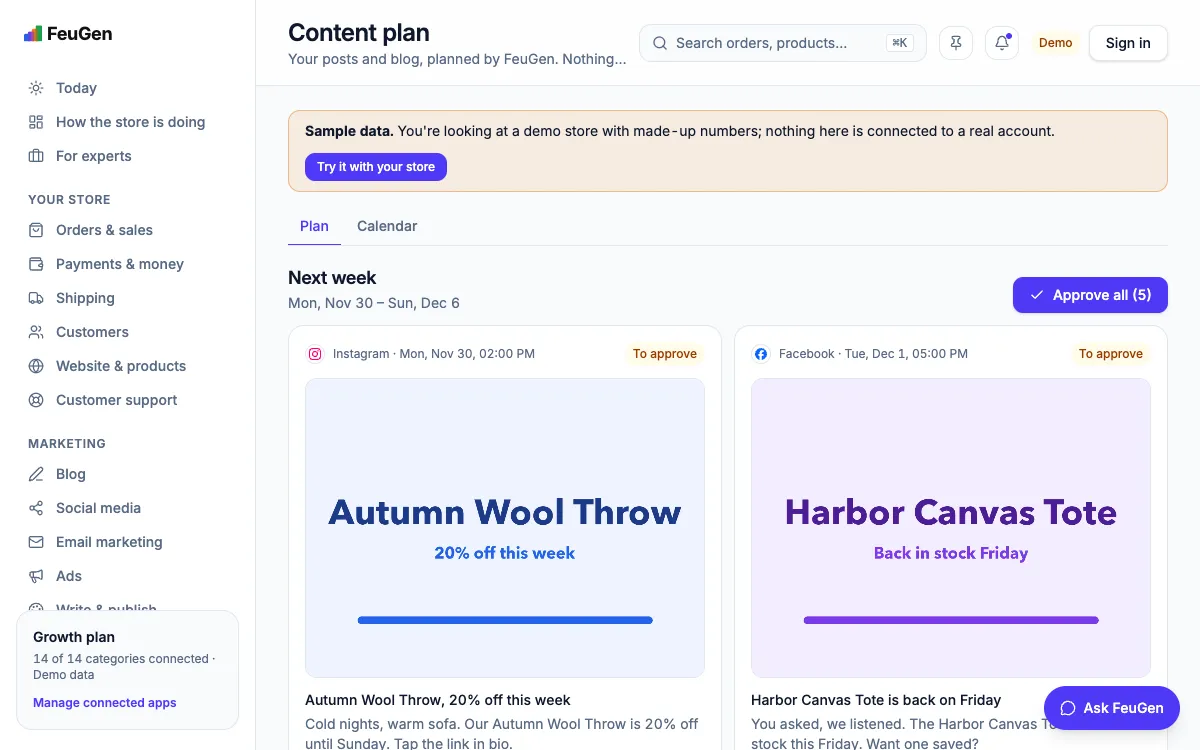
From the demo store · sample data
It also sends the report
Weekly, monthly and client reports use the same numbers. They also list what FeuGen did for you.
Browse report templates →